← LookCraft
macOS Icon Bundle
macOS Folder Icons You Actually Enjoy
397 icons in four styles — Glass, Retro, Classic Mac & Minimal. One download, everything included.
RAWs, presets, invoices, travel photos: on a Mac almost every folder looks the same.
Eventually you lose track — especially when you sort finances, projects and backups
alongside your photography.
LookCraft Icons are made for any Mac: generic folder names like Inbox, Finance,
RAW Photos or Presets & LUTs — no personal paths, ready to use right away.
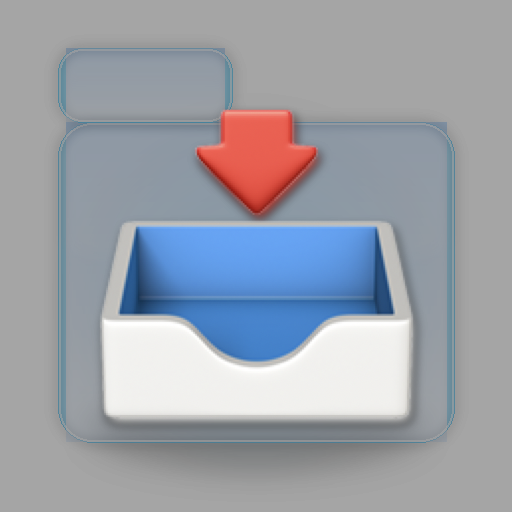
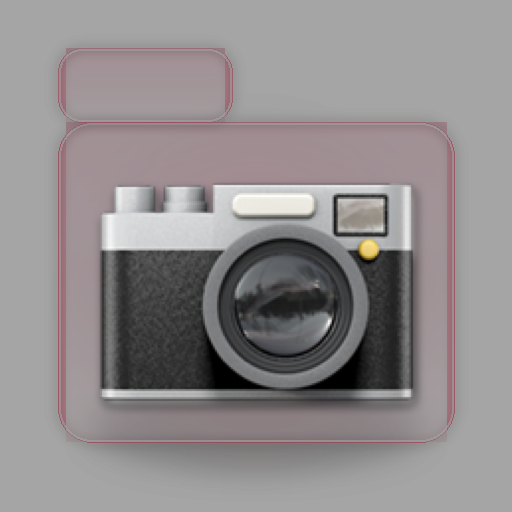
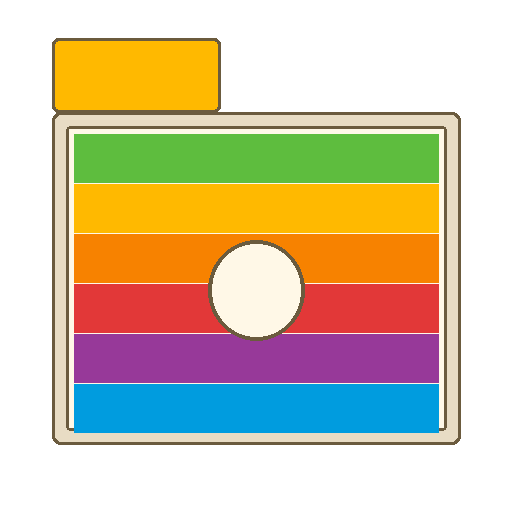
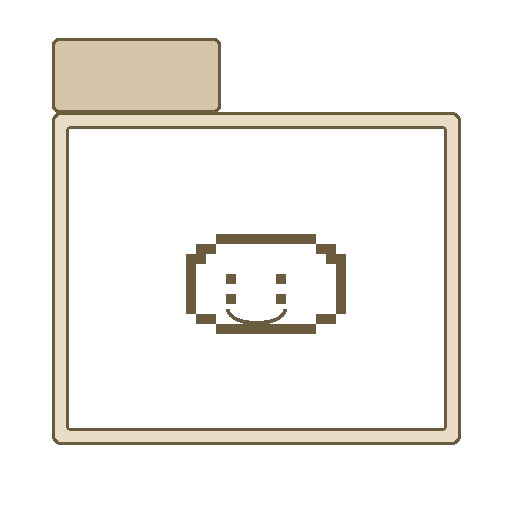
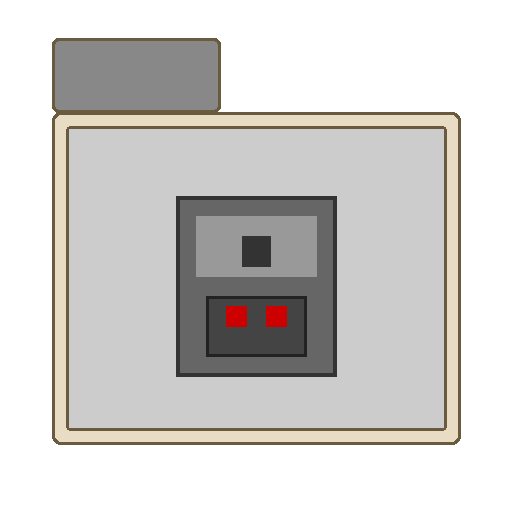
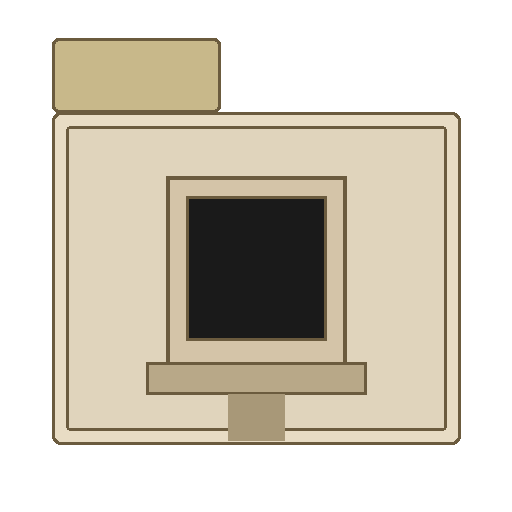
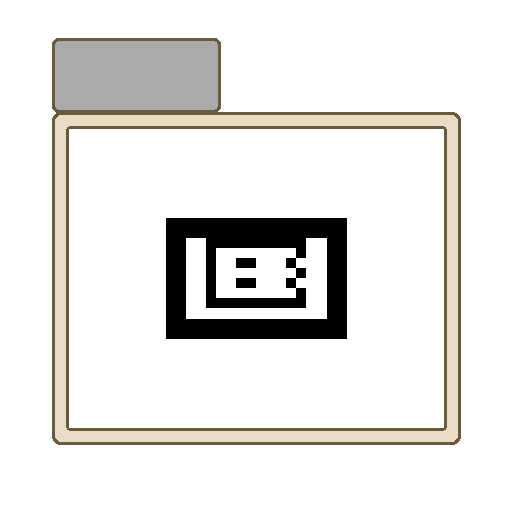
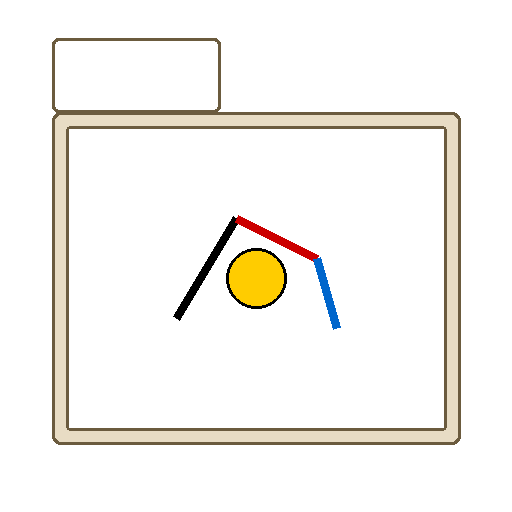
Four styles: translucent Liquid Glass, warm Retro with fruit patterns, Classic Mac 70s–90s homage, clean Minimal glyphs.
Assigning takes seconds: select a folder, ⌘I, drag the PNG onto the icon — done.
Included in the bundle
- 397 icons — Glass (92) · Retro (94) · Classic Mac (90) · Minimal (121)
- 10 main folders — Inbox, Finance, Media, Projects, Archive …
- 36 subfolders — RAW Photos, Backup, Taxes, Presets & LUTs, Downloads …
- 28 general — Document, Cloud, Video, Important, Export …
- 512×512 PNG · macOS 13+ · INSTALL.md & README in the ZIP
Installation
- Unzip the ZIP after purchase — folders
Glass/, Retro/, Classic/, Minimal/
- Pick a style and find the matching PNG (e.g.
Glass/01-Main Folders/Inbox.png)
- In Finder, select the target folder → ⌘I (Get Info)
- Drag the PNG onto the small folder icon at the top left
Detailed instructions are included as INSTALL.md in the ZIP.
Complete bundle · all 4 styles · €9.99
Instant download · buy once, all styles · choose DE or EN ZIP